
Growing website traffic is no easy feat. From promoting your website to doing outreach to building links, the entire process is incredibly time-consuming and labor-intensive. At least - it used to be. Digital marketers, SEO pros, and site owners, if snagging quality links and building organic traffic to your website is the bane of your existence, then allow the tool in today’s product showcase to take the workload on for you. Today I’m gonna be telling you about Postaga, an all-in-one outreach tool to help you easily and quickly build quality links and drive traffic to your website.

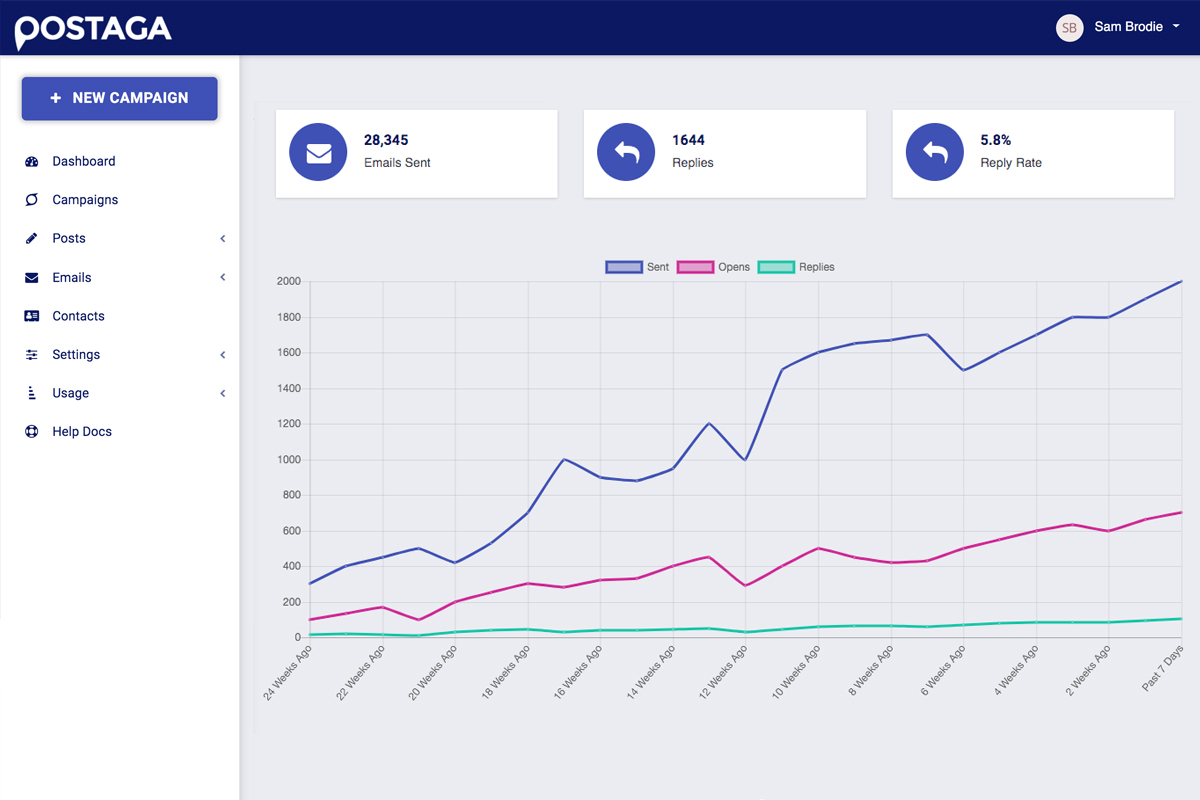
With a number of campaign types to choose from, you can uncover all of your untouched outreach opportunities. Let’s get into it. Your Postaga dashboard will display your total campaigns and some at-a-glance stats about them, like the reply and open rates. Let’s go ahead and create a link building and outreach campaign! The Postaga help wizard will ask you what kind of outreach you want to do. There are a few options: promote a blog post; promote a product, service, or app; or do cold outreach. AppSumo has a pretty stellar blog, so let’s choose that one.
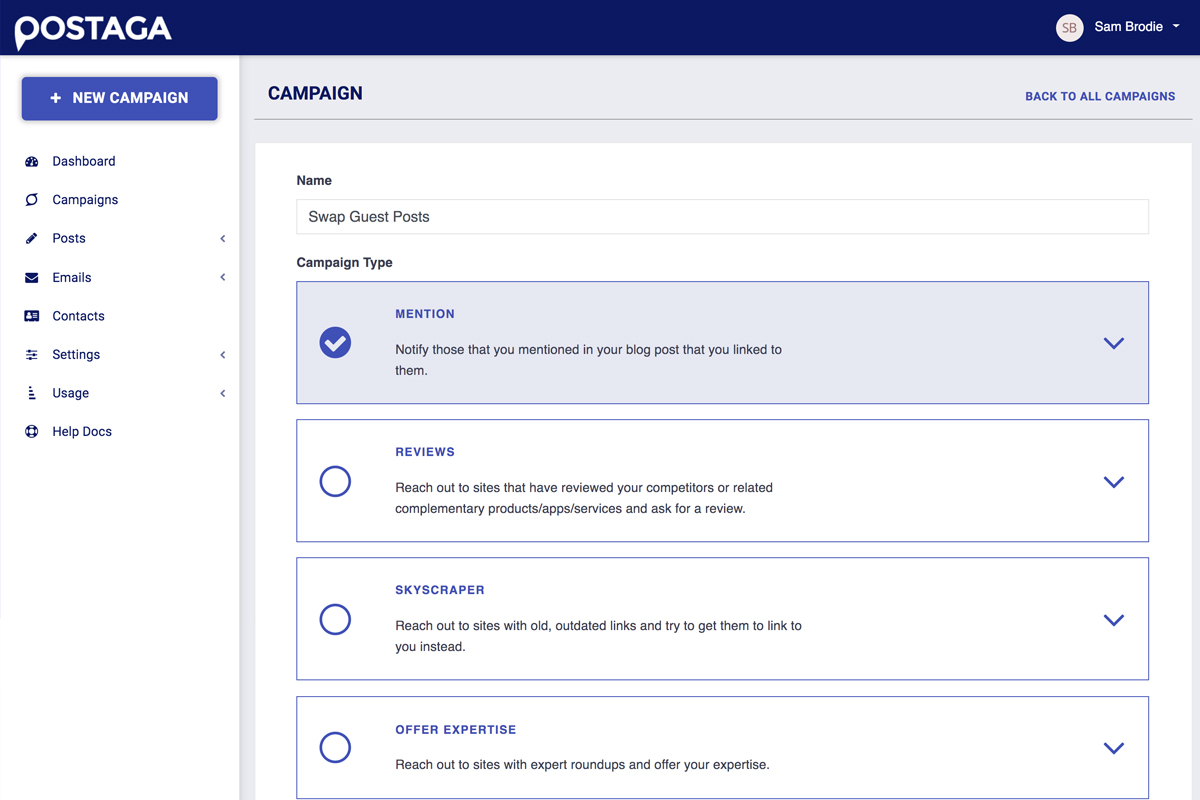
Postaga will ask for my URL and analyze the post to make a recommendation based on the content. Alright, now let’s say I really want to get this blog post out into the world. I’m going to start a resource campaign, which means I’m going to hit up relevant websites that might mention and link back to my blog post from theirs. To do this, I’ll start by entering my blog post.

Then, Postaga’s magical AI will analyze my post and pull important info from the content, like nailing down the content’s target keyword. You can change or enter any of this information manually, as well as include custom merge fields from your emails. Next up, we’re going to find relevant resources on our topic based on the keyword. Here are the results Postaga pulled. Check ‘em out and select the resource pages that you catch your eye, then click Analyze Links.
Postaga will then deliver information about the contact behind the resource page. You’ll see Postaga’s AI is even pulling specific authors! This means you can pitch your content to a person, instead of some generic info@email. And if Postaga can’t find an author, it’ll pull other links like their blog page, website, and more to help you find a specific contact. No more clicking through LinkedIn search pages for a name and email! Once you hit Get Contacts, Postaga will return the contact details.
It’s going to do its best to find the first and last names of authors so your emails are personalized, but any information that didn’t get pulled can always be added manually. Postaga will also try to find the Twitter and LinkedIn handle of each contact, so you can reach out that way as well. You probably noticed this number right here: This is Postaga’s best guess at the deliverability of this email, so you have a pretty clear idea on whether or not your message will hit their inbox before you hit send.
Alright, you’ve selected all of your contacts! Now let’s send some emails. If you want to use an outside email program, you totally can: just export the contacts to a CSV. Or you can keep the entire operation in-house, and move onto the next step in Postaga which is the Email Sequence. Postaga comes stocked with a bunch of built-in email campaigns, templates, and cadences, and each one comes with its own set of elements. So for the purpose of our demo, let’s continue with a resources campaign. You’ll see this sequence involves an email, three day wait, and a follow up email. Go ahead and edit the sequence as you wish, adding additional wait times and emails. You’ll see that you can select from a variety of email types in this drop down menu. Once you’ve nailed down your sequence, head to the email preview section, which shows you the emails that’ll be going out.
If you want to make any changes to this template, just hit the edit button. You can also override individual emails, and check this out: Postaga will pull relevant text snippets from that contact’s resource page. So let’s say you want to personalize an email even further and refer to one of their articles- you can do it without ever reading their content! We won’t tell. Finally you'll set up the rules and schedule for the campaign and hit SCHEDULE. Postaga will take it from here. The last thing I want to show you is the campaign screen. Here, you’ll find all of your campaigns.
When you click into one, you can check out all of its related data at-a-glance, like who received, opened it, and replied to our messages. Click on one of those replies and you’ll actually see the full correspondence! We’ve only covered the tip of the iceberg of what this tool can do. You can finally get the quality links and traffic that you want with none of the effort. So get your hands on Postaga today!
Best thing, Postaga offering FREE plan at this moment, you can have 6 campaign per month and 1000 email send.
More info:
Private Hoster Network always share great digital marketing tools, We are a digital marketing agency in Malaysia.

